Free your recipes from paper.
Snap a photo of a cookbook page, a magazine clipping, or grandma's handwritten card — and PurePrep turns it into a clean, searchable, photographed digital recipe.
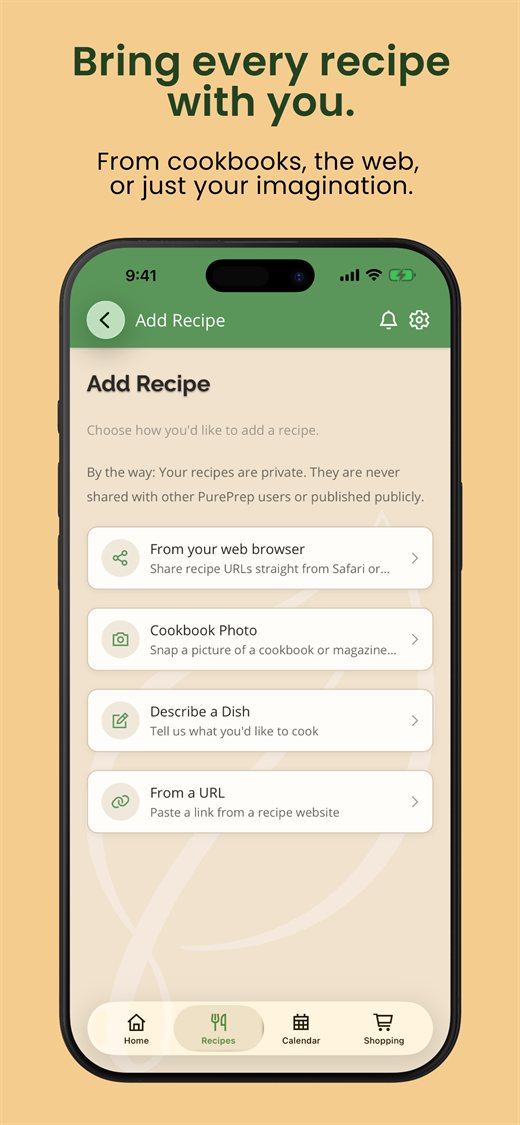
The best recipes are stuck on paper
Family cookbooks, recipe cards, torn-out magazine pages — they're irreplaceable and impossible to search, plan with, or shop from. PurePrep brings them into your pocket.
Cookbooks & magazines
Capture printed recipes in seconds — no retyping ingredient lists or instructions.
Handwritten cards
Preserve handwritten family recipes before the ink fades — digitized and safely backed up.
Up to 5 photos at once
Long recipe across two pages? Snap several photos and PurePrep stitches it into one recipe.
How it works
Take a photo
Snap the cookbook page or card — or pick existing photos from your library (up to five).
PurePrep reads & structures it
We extract the text and turn it into a tidy recipe with ingredients, steps, and imagery.
Cook and keep it forever
Your digitized recipe is saved, searchable, and ready for Cook Mode and meal planning.